

Creator offer design guide
What to offer on a creator support page
The best offer is not the most exclusive one. It is the clearest promise the audience values and the creator can keep repeatedly.
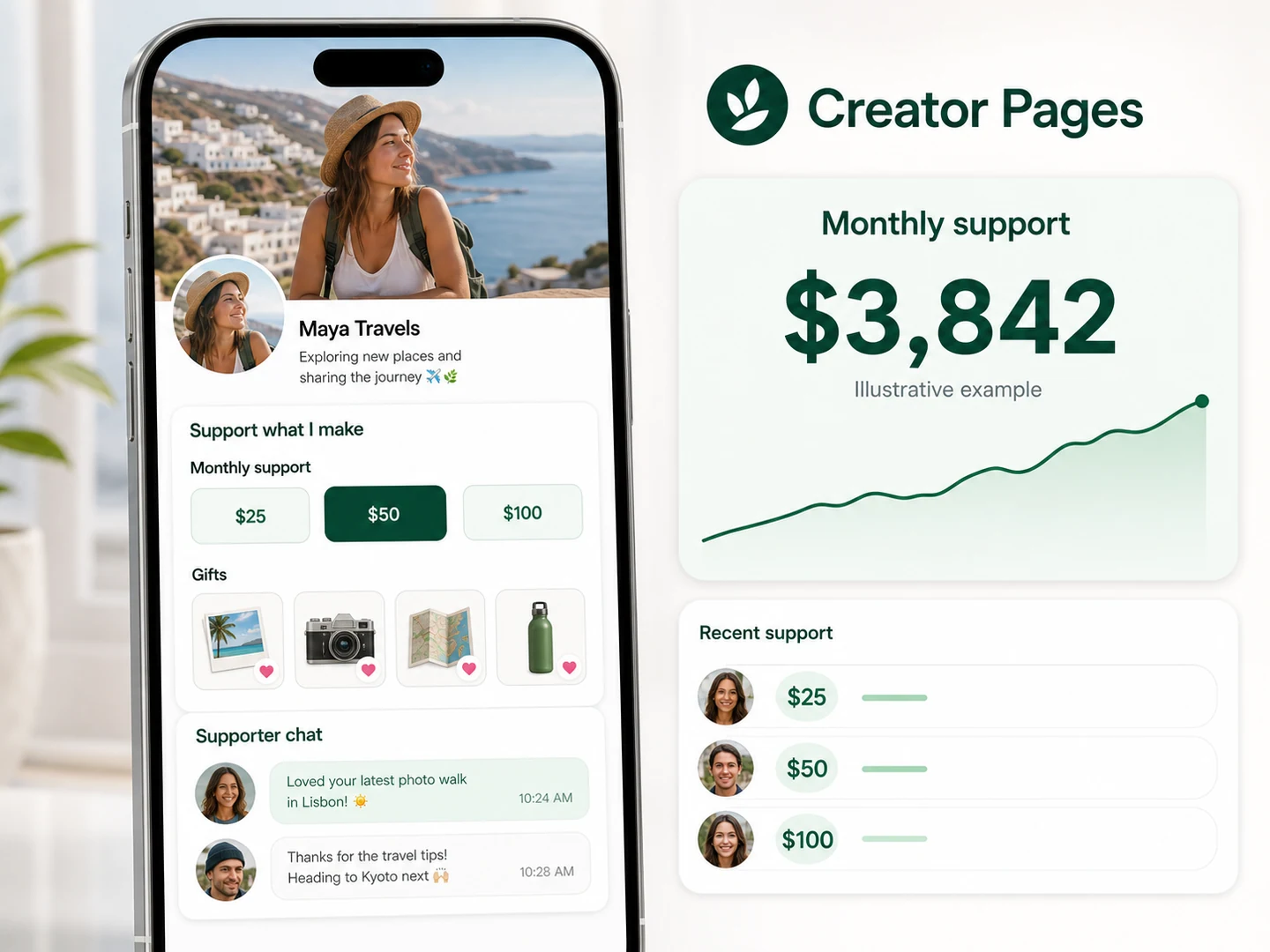
“Exclusive content” is not an offer. It is a category label that forces the supporter to guess what changes after payment. Start with why someone wants to act, then design the lightest promise that satisfies that motivation.
Start with supporter motivation
“Your work helped me”
Give the supporter a fast way to say thanks without creating an ongoing obligation.
Use one-time support or a small project gift.“I want to be part of this”
Make the support visible in a respectful way through a supporter wall, thank-you note, or project credit.
Use opt-in recognition, never public exposure by default.“I want more depth”
Offer a repeatable format such as a monthly field note, longer video, studio update, or group session.
Promise a format and cadence, not unlimited access.“I want to influence what comes next”
Let supporters vote on a public topic, help fund a goal, or contribute to a community milestone.
Keep final creative control with the creator.“I want the thing you use”
Package a template, checklist, preset, guide, resource list, or limited service that solves a repeated problem.
Define the outcome and usage rights.Fifteen creator support-page ideas
Use these as prompts, not as a requirement list. A strong page may launch with only two.
Let people support the work
- One-time thank-you
A simple support amount with a creator-written thank-you message.
- Project milestone
Fund a microphone, art supply order, travel shoot, software year, or production upgrade.
- Specific wishlist item
Show why the item matters to the work instead of listing unrelated products.
- Community gift
Let several supporters contribute to one larger, visible goal.
- Supporter credit
Offer an opt-in name on a project page, video credit, or monthly thank-you post.
Give supporters more depth
- Behind-the-process note
A monthly breakdown of how a piece was made, researched, trained, or edited.
- Early access window
Publish the same work early without creating a second content universe.
- Resource drop
Share a monthly template, prompt set, preset, reading list, or production resource.
- Small group session
Hold one scheduled Q&A or studio session with an attendance limit.
- Supporter vote
Let members choose between creator-approved topics or project directions.
Offer a bounded outcome
- Portfolio or profile review
Define what is reviewed, how feedback is delivered, and the turnaround time.
- Limited commission
Set quantity, revision count, usage rights, and request exclusions before payment.
- Recorded answer
Respond to one approved question in a short private audio or video format.
- Creator-made digital product
Turn a repeated audience question into a guide, workbook, pack, or template.
- Scheduled consultation
Sell a fixed-duration session with a stated topic, preparation requirement, and no implied ongoing access.
Price the fulfillment burden before the perceived value
A $10 offer can be a bad business if it creates 45 minutes of personal work. Estimate the monthly burden before setting the price or opening unlimited quantities.
A personal profile review takes 35 minutes
Ten reviews create almost six hours of delivery before scheduling, payment questions, or revisions. A quantity limit and clear turnaround are part of the product, not an administrative detail.
Can usually stay open
Thank-you messages, automated delivery, and opt-in recognition.
Watch the monthly total
Personalized notes, small resource customization, or moderation work.
Use limits and scheduling
Reviews, commissions, calls, custom recordings, and any revision loop.
Write offer copy that answers the supporter's next five questions
What it isA monthly 10-minute studio breakdown
What they receiveOne private video covering the tools, decisions, and mistakes behind a finished piece
When it arrivesBy the final Friday of each month
What is not includedNo one-to-one critique or custom tutorial
How to get helpReply through the support page for delivery issues
For services, add the revision count, usage rights, cancellation terms, and request exclusions. Ko-fi's own terms guidance recommends spelling out inclusions, delivery schedule, contact, refunds, and usage rights. That discipline applies on any platform.
A clean starter page has three parts
Support the work
One-time support with a specific explanation of what it helps fund.
“Help fund the next location shoot and receive a private thank-you note.”Get something useful
One offer based on a repeated audience question.
“Download the shot-list template I use to plan every travel reel.”Join a visible goal
A gift or milestone the community can understand and follow.
“Help replace the field microphone before the September series.”Put the strongest audience match first. A photographer whose followers ask about editing should lead with the preset or process guide, not a generic coffee button. A community that constantly asks how to help may need the opposite order.
Set delivery and safety boundaries before launch
- Availability: Confirm the offer is open and the creator has capacity.
- Delivery: State the format, timing, quantity, and access method.
- Revisions: Set a count or explicitly say revisions are not included.
- Usage rights: Explain whether downloads or commissioned work can be reposted, edited, or used commercially.
- Refunds and cancellation: State the policy before payment.
- Privacy: Do not require personal information that the delivery does not need.
- Communication: Define where questions go and the normal response window.
- Automation: Let AI answer only from current approved facts. Missing details, personal requests, custom negotiation, and payment issues should hand off.
Wishlist platforms may have their own restrictions. Throne, for example, distinguishes gifts from services and does not allow commissions or paid appearances as wishlist items. Always match the offer to the destination's current terms.
Research notes
Sources checked for this guide
Product details and policies can change. Confirm current details with the first-party sources below.
- YouTube Help: channel membership perk guidance
First-party guidance on recognition, closeness, exclusivity, and support as distinct member motivations.
- Patreon Help: membership program setup
First-party recommendation to build recurring value around a sustainable creator practice.
- Ko-fi Help: setting offer terms
Useful checklist covering inclusions, delivery schedule, contact, refunds, and usage rights.
- Throne Help: supported wishlist item types
First-party boundaries for physical gifts, payout items, digital goods, crowdfunding, and prohibited service exchanges.
Questions creators ask next
Direct answers that keep the plan realistic.
What should a new creator put on a support page?
Start with one simple support action, one specific value offer, and one visible goal or gift tied to the creator's work. Remove anything that cannot be explained or fulfilled clearly.
How many membership tiers should a creator launch?
One tier is enough for a first test. Add another only when it serves a distinct supporter motivation and does not duplicate the first tier with a different price.
Can a creator page include custom requests?
Yes, if the creator can define the scope, quantity, delivery timing, usage rights, refund terms, and what requests are not accepted. Custom work should never be presented as unlimited access to the creator.
Should supporters be promised personal replies?
Only promise a reply format and timing the creator can reliably deliver. Do not imply constant availability or personal intimacy that the product cannot sustain.
Turn one sustainable offer into a creator page
Start with a gift, support action, or clear value offer, then connect the approved facts Loresta can use in everyday conversations.