
Open the inbox
Review X message-request and subscriber settings.

X inbox setup guide
A reliable X DM auto reply starts with the messages people already send you, then automates only the routine answers your creator profile can support.
Built from product rules for approved facts, platform permissions, conservative handoffs, and creator-controlled automation.
Open X, then review Privacy and safety settings for Direct Messages before adding any automation. X currently lets accounts receive requests from everyone, verified users, or eligible subscribers depending on account settings. The official X Direct Message guide explains the available controls and how message requests differ from established conversations.
A wider inbox can create more opportunity and more noise. Record which request folders you will check, whether subscriber messages matter to the business, and what should happen when a message is spam, abusive, or unrelated. Automation should not convert an unwanted request into an ongoing conversation.
Review a representative sample of inbound DMs and count repeated intents, not repeated words. “What do you post,” “what is on your page,” and “what do subscribers get” may all be the same routine question even though the wording differs.
Start with no more than five answerable intents. For a subscription creator, useful candidates may include what the creator shares, where the official destination is, whether new updates are posted, a basic availability question, and a follow-up asking for one approved detail. Keep payments, custom requests, collaborations, personal disclosures, disputes, and uncertainty outside the automatic set.
For each routine intent, write the exact facts the assistant may use. Include the creator's approved description, official destination, stable availability details, and any claim that must never be made. If a fact changes weekly, give it an owner and a review date instead of assuming the model will know it.
Then add the voice layer: normal greeting, sentence length, emoji habits, favorite phrases, and wording to avoid. Voice changes presentation; it must never create a discount, promise, or offering that is missing from the approved facts. Use the DM voice training guide for a deeper profile worksheet.
Authorize the X account through the product's official connection flow. Do not give an automation provider the creator's password, recovery code, browser cookie, or session export. Confirm the requested permissions and keep a documented disconnect path.
Run the first twenty real replies in approval mode. Test a routine question, a follow-up that depends on prior context, a brand inquiry, a payment concern, a custom request, and a vague message. A passing test gives the routine questions useful answers and sends the risky examples back to the creator without an automatic response.
Set a hard monthly reply allowance before enabling automatic sending. Decide whether replies should pause at the limit or use a visible overage rate. A creator should never learn about unexpected usage after the invoice arrives.
Review every correction and handoff during the first week. If a reply sounds wrong, determine whether the missing input is a fact, voice rule, thread detail, or handoff condition. Fix that source instead of adding a longer generic prompt. Loresta starts with 20 approved replies free so this review can happen in the real workflow without a countdown.
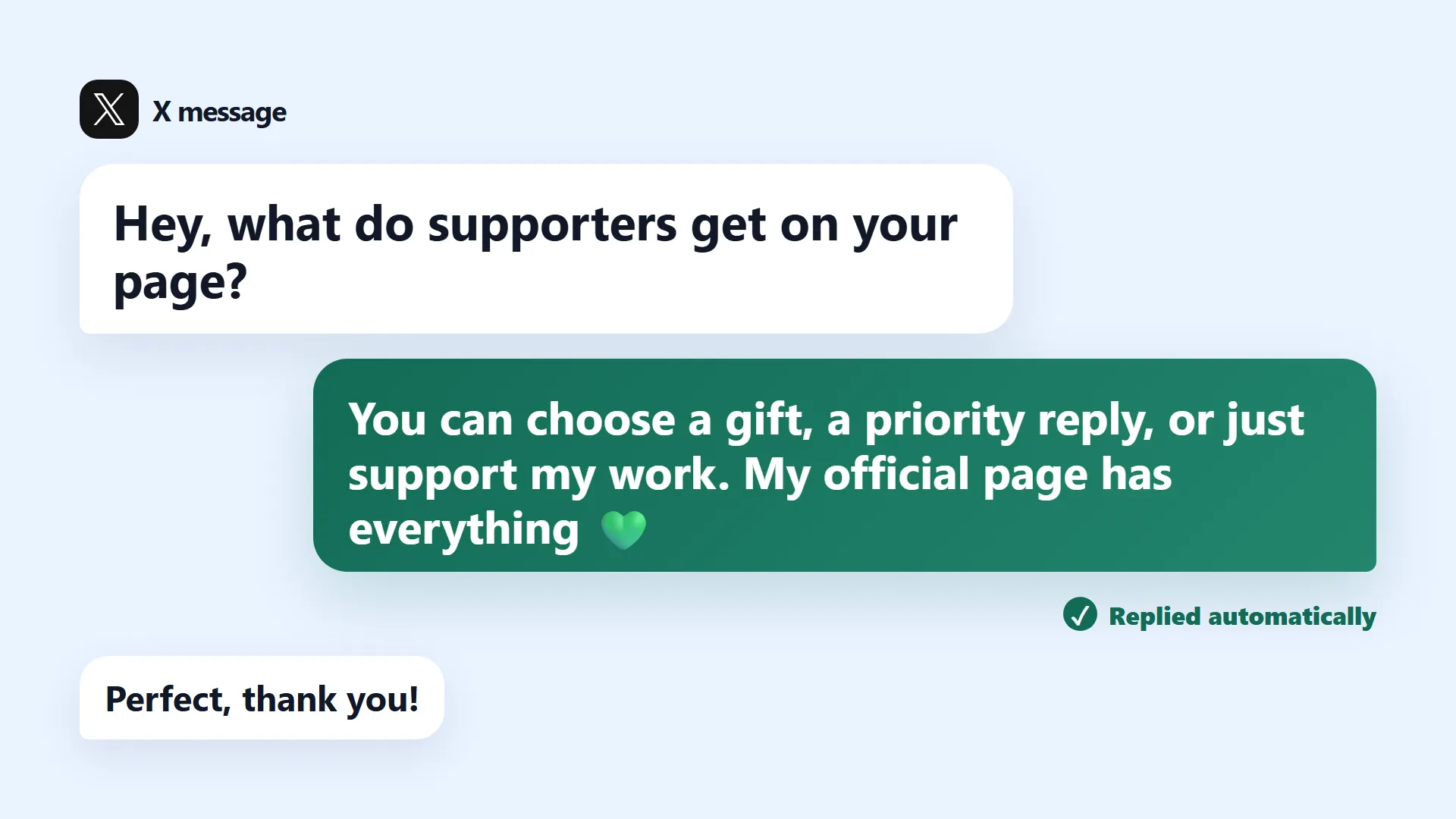
Start with the inbound message
The safest X workflow classifies a real inbound question, checks the creator profile and thread, then chooses reply or handoff.
Complete the boundary and testing work before enabling any automatic send policy.
Review X message-request and subscriber settings.
Choose five repeated questions and approve their facts.
Run routine, follow-up, business, payment, and uncertainty scenarios.
Set capacity, monitor corrections, and widen only proven rules.
Do not enable automatic sending until every item has an owner and a passing example.
Direct answers for creators and operators comparing DM automation.
A connected application can reply through supported X APIs, but it must follow X automation rules, use appropriate permissions, and avoid unsolicited bulk Direct Messages.
No. Only clearly supported routine questions should receive one. Spam, abuse, business inquiries, payments, custom requests, personal topics, and uncertainty should be ignored, blocked, or handed to the creator.
No. Use official authorization. A legitimate integration should never need the creator's password, recovery code, browser cookie, or exported session.
Start with three to five high-frequency, low-risk questions. Add another intent only after the current set consistently produces correct replies and handoffs.
Provide creator-authored examples, explicit facts, preferred phrases, words to avoid, and the current conversation. Correct the underlying profile instead of stacking vague style adjectives.
Connect X, approve the personality and boundaries, then send up to 20 real replies with no card and no expiration date.